
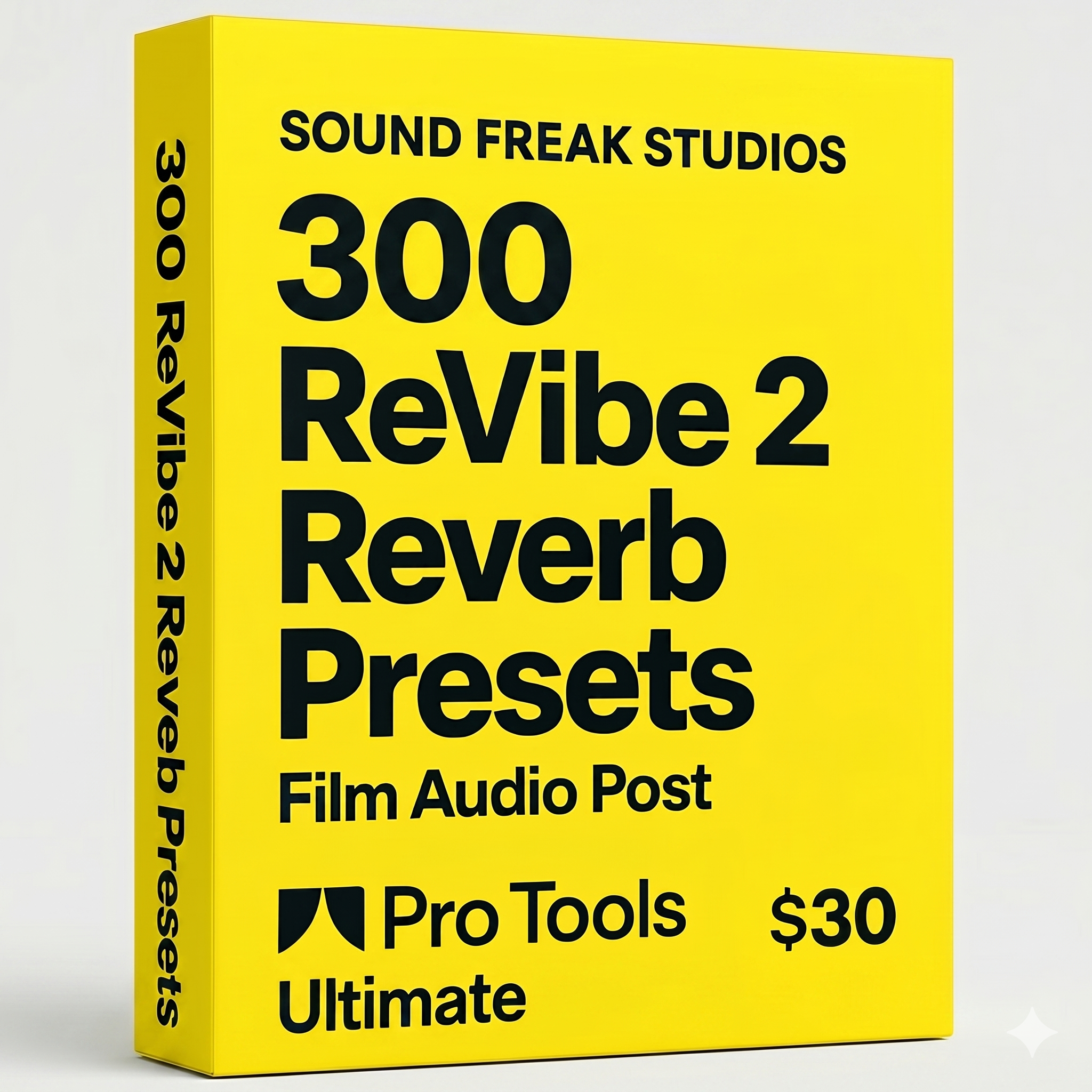
300 ReVibe II Presets for Film, OTT & Audio Post
$30.00
🎧 Transform your Pro Tools sessions with 300 custom ReVibe II presets crafted for film, OTT & modern audio post.
This pack is built for mixers, dialogue editors, sound designers, and post engineers who want to move faster while still getting believable, production-ready spaces inside Avid ReVibe II.
From tight production interiors to wide exterior reflections, ADR match spaces, PA / phone / radio treatments, next-room spill, creative horror, sci-fi voices, and musical source environments, this collection gives you a huge range of ready-to-use environments for modern post workflows.
📦 What’s Inside
- 300 ReVibe II .tfx presets
- DX: natural rooms, ADR, phone, PA, radio, TV bleed, hallway spill, offscreen spaces
- INT: bedrooms, offices, hospitals, corridors, basements, bunkers, lobbies, caves, vehicles, tunnels, stations, auditoriums, vaults, control rooms and more
- EXT: streets, rooftops, bazaars, stadiums, beach, parking, flyovers, tunnels, roller coaster, woods, graveyard, battlefield, open lots and more
- CREATIVE: horror, dream, ghostly, alien, portal, mutant, subconscious, surreal, sci-fi and stylized FX spaces
- MUSIC: source music spill, club bleed, rooftop party return, temple courtyard music, distant auditorium wash, plate-style and score glue spaces
Instead of building every space from scratch, you can quickly audition scene-appropriate environments and then fine-tune as needed for the shot, performance, and mix perspective.
Built for fast turnarounds and premium mix workflows🎯 Designed For
- Film & OTT post-production
- Web series
- Dialogue editing and scene matching
- ADR and offscreen voice treatment
- Foley and background placement
- Source music placement
- Stylized cinematic sound design
🛠 Installation
🔹 Mac:
- Unzip the preset pack.
- Copy the .tfx files into:
/Users/YourUsername/Documents/Avid Plug-Ins Settings/ReVibe II/ - Restart Pro Tools.
- Open ReVibe II and access the presets from the plug-in preset/settings menu.
🔹 Windows:
- Unzip the preset pack.
- Copy the .tfx files into:
C:\Users\YourUsername\Documents\Avid Plug-Ins Settings\ReVibe II\ - Restart Pro Tools.
- Open ReVibe II and load the presets from the plug-in preset/settings menu.
⚙️ Requirements
- Avid Pro Tools with ReVibe II installed
- Mac or Windows
- 64-bit Pro Tools system
🚚 Delivery
- Instant digital download
- .tfx preset files
- For use inside Avid ReVibe II