Dolby Atmos & 5.1 Mixing Templates | ReVibe II | REVelation | FabFilter Pro-Q | Ebooks

Pro Tools | Nuendo | DaVinci Resolve Fairlight

Professional Audio Post-Production

Templates & Presets Built for
Film & OTT Professionals

Industry-standard Dolby Atmos & 5.1 mixing templates, reverb packs and EQ presets — engineered for fast delivery, clean routing and broadcast compliance.

20+
Products
3
DAWs Supported
Atmos
7.1.2 Ready
OTT
Delivery Ready
Instant Download
Secure Payment via Payhip
Film & OTT Professionals
Lifetime Access
Dolby Atmos Certified Workflows
Filter:

Browse Products

Click any product to view full details, screenshots and purchase options.

Why Audio Professionals Choose SoundFreakStudios

Built from real dubstage experience — not theory

🎛️

Ready-to-Mix Routing

Every template ships with fully pre-built bus routing, VCA groups, and stem outputs — so you start mixing, not setting up.

🎚️

Broadcast-Compliant

Loudness targets, downmix chains, and delivery formats are pre-configured for Netflix, Amazon, Apple TV+ and theatrical.

🎬

Film & OTT Focused

Designed specifically for dialogue-heavy content — proper DX, FX, MX separation and M&E-ready stem structure built in.

📖

Reference Ebooks Included

Our ebook library covers the complete film audio workflow — from 5.1 fundamentals to advanced Atmos, AI tools, and production sound.

Save Hours Per Project

A well-built template saves 4–8 hours of setup per project. Across a year of work, that adds up to weeks of reclaimed time.

🔒

Lifetime Access

Every purchase is delivered via Payhip. Download any time — your files are available for life from your Payhip account.

60 Free Audio Post-Production Guides on the Blog

Deep-dive articles on Dolby Atmos, 5.1 mixing, dialogue editing, ADR, Foley, loudness standards, OTT delivery and more.

Read the Blog →
What DAWs are the mixing templates compatible with?
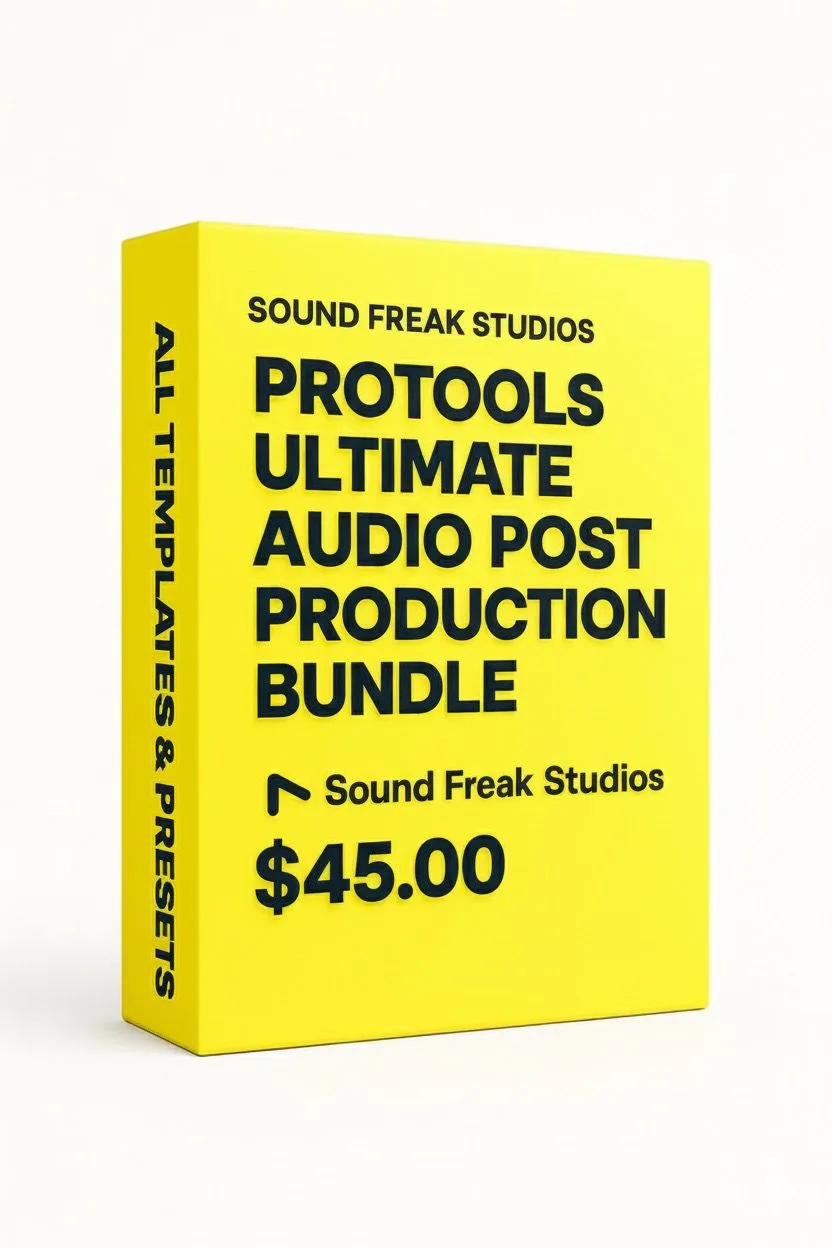
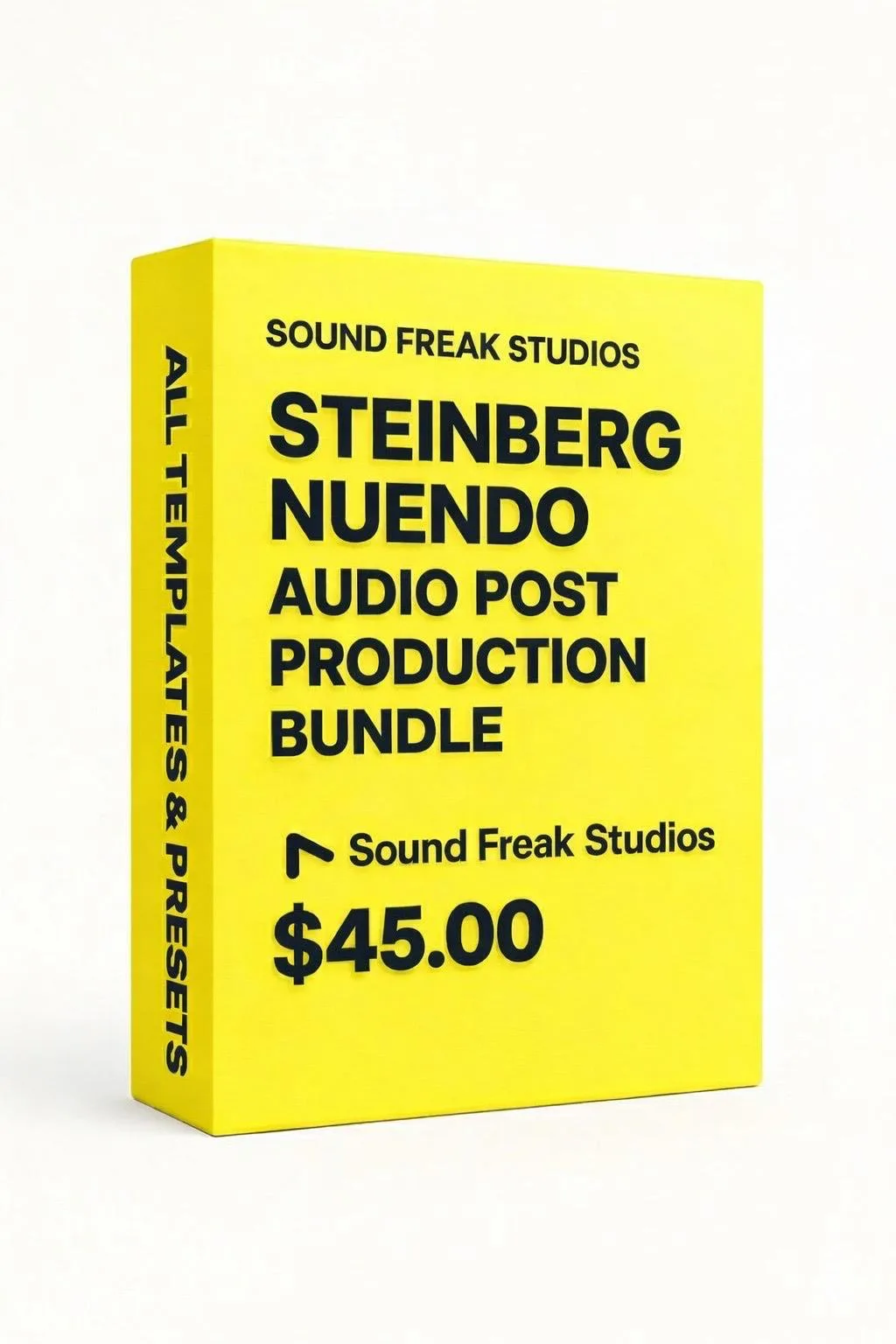
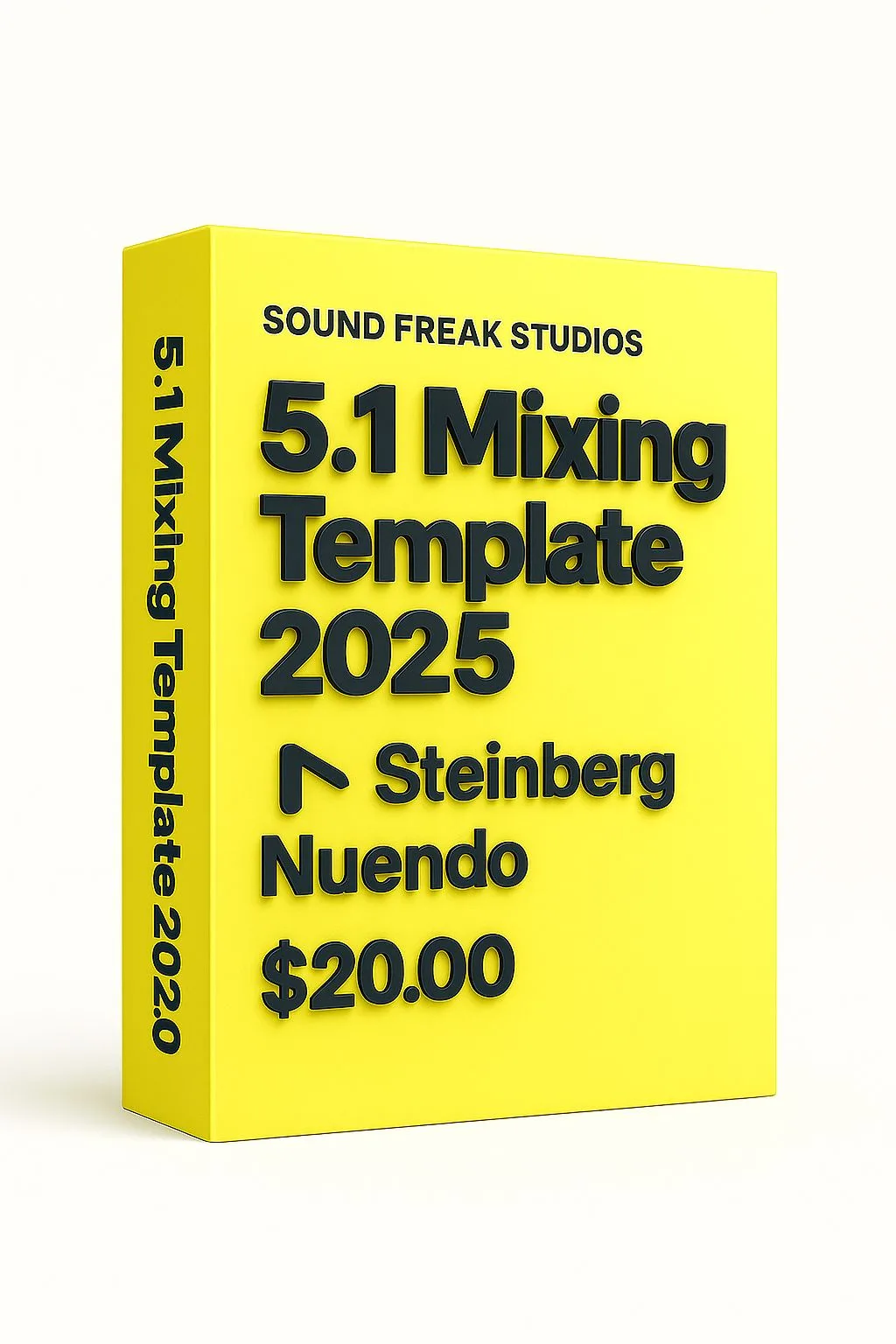
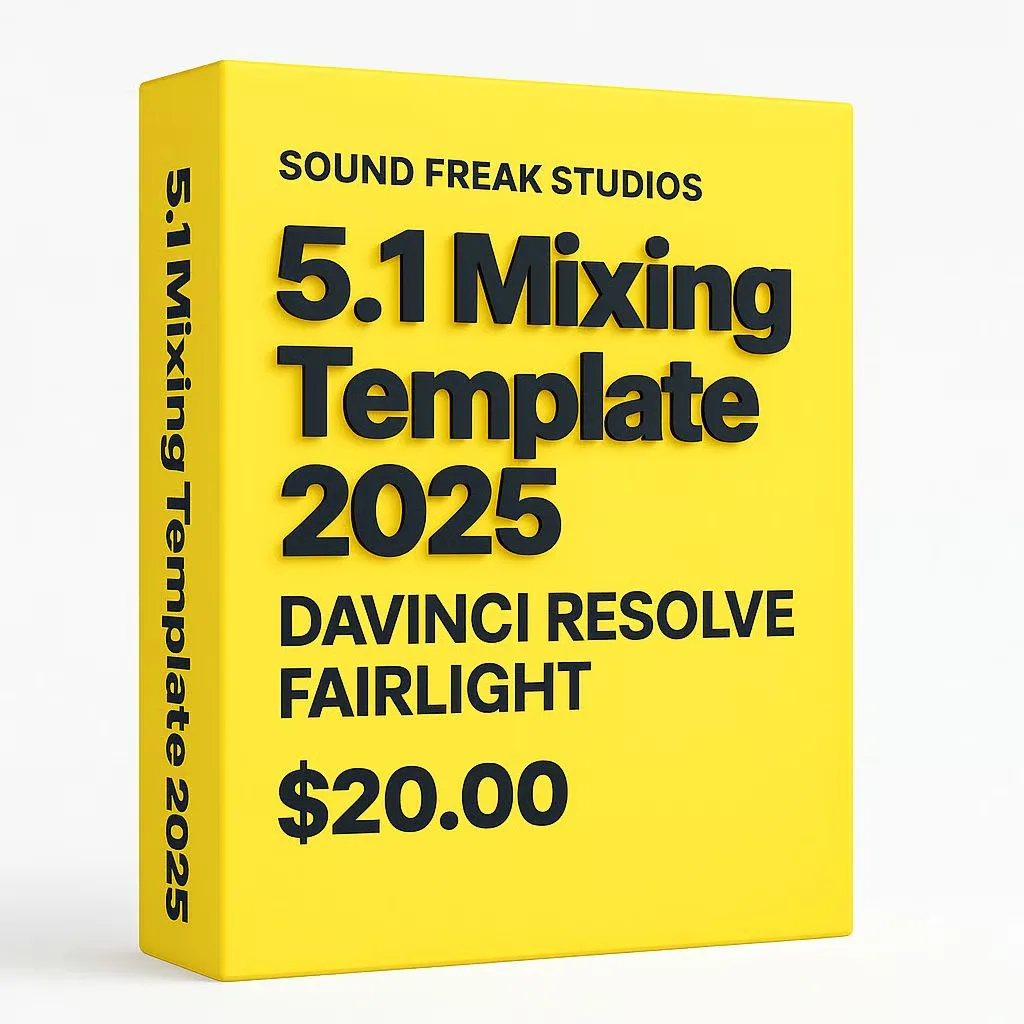
Templates are available for Pro Tools Ultimate, Steinberg Nuendo, and DaVinci Resolve Fairlight. Each template is purpose-built for its DAW with native routing and bus configuration — not a generic session file.
What exactly am I paying for in a mixing template?
You are paying for a pre-built professional session architecture: track layout, bus routing, stem paths, print masters, VCAs, downmix structure, monitoring paths and organized delivery workflow. The value is the saved setup time and reduced routing mistakes.
Are these templates mixed automatically?
No. The templates do not automatically mix your film, series, podcast or audiobook. They give you a professional starting structure so you can focus on creative mixing, editing, balancing, automation and delivery checks.
Do I still need audio post-production knowledge to use these templates?
Yes. The templates save setup time and demonstrate professional routing, but you still need to make creative and technical decisions about dialogue, music, effects, loudness, dynamics, reverb, panning and deliverables.
Can I customize the routing after purchase?
Yes. You can rename tracks, change buses, add or remove stems, modify routing, replace plugins and adapt the session to your own studio workflow or client delivery spec.
Are these templates useful for dialogue editing and final mixing?
Yes. They are useful for dialogue editing, premixing and final mixing because they provide clear DX, FX, MX, Foley, ADR, stem and print-master organization. They do not replace the engineer’s editing or mixing decisions.
Are these templates useful for freelance sound designers and re-recording mixers?
Yes. Freelance sound designers, re-recording mixers, dialogue editors and post-production engineers can use these templates to save setup time, keep sessions organized and follow professional film and OTT delivery structures.
Do the templates include paid third-party plugins?
Some templates may contain EQ, dynamics, limiter, reverb or loudness-meter insert positions as placeholders or example slots. The core product is the routing, stems, print masters and workflow structure, not a promise that every third-party plugin is included with the purchase.
Are EQs, limiters and compressors already mixed or just placeholders?
They are mainly placeholder insert positions or starting points. Final EQ, compression, limiting, reverb and loudness settings depend on your actual dialogue, music, effects, room, delivery format and creative brief.
Will the templates open if I don’t own FabFilter, Waves or other third-party plugins?
The session routing and track structure should still open, but missing third-party plugins may appear inactive, unavailable or offline depending on your DAW. You can replace those insert positions with your own EQ, compressor, limiter, reverb or stock plugins.
Are plugin presets included inside the mixing templates?
Template products and preset products are separate unless a product page clearly states otherwise. The templates are routing and workflow products. Dedicated Pro-Q, ReVibe II and REVelation preset packs are available as separate products.
Can I replace the placeholder plugins with my own plugins?
Yes. The templates are designed so engineers can use their preferred EQs, compressors, limiters, reverbs, meters and noise-reduction tools while keeping the core routing and stem structure intact.
Do the templates include pre-built plugin chains or just routing?
The main value is pre-built routing, buses, VCAs, stems, print masters and delivery organization. Some templates include insert slots or simple example chains, but they are intentionally conservative because every project needs its own mix decisions.
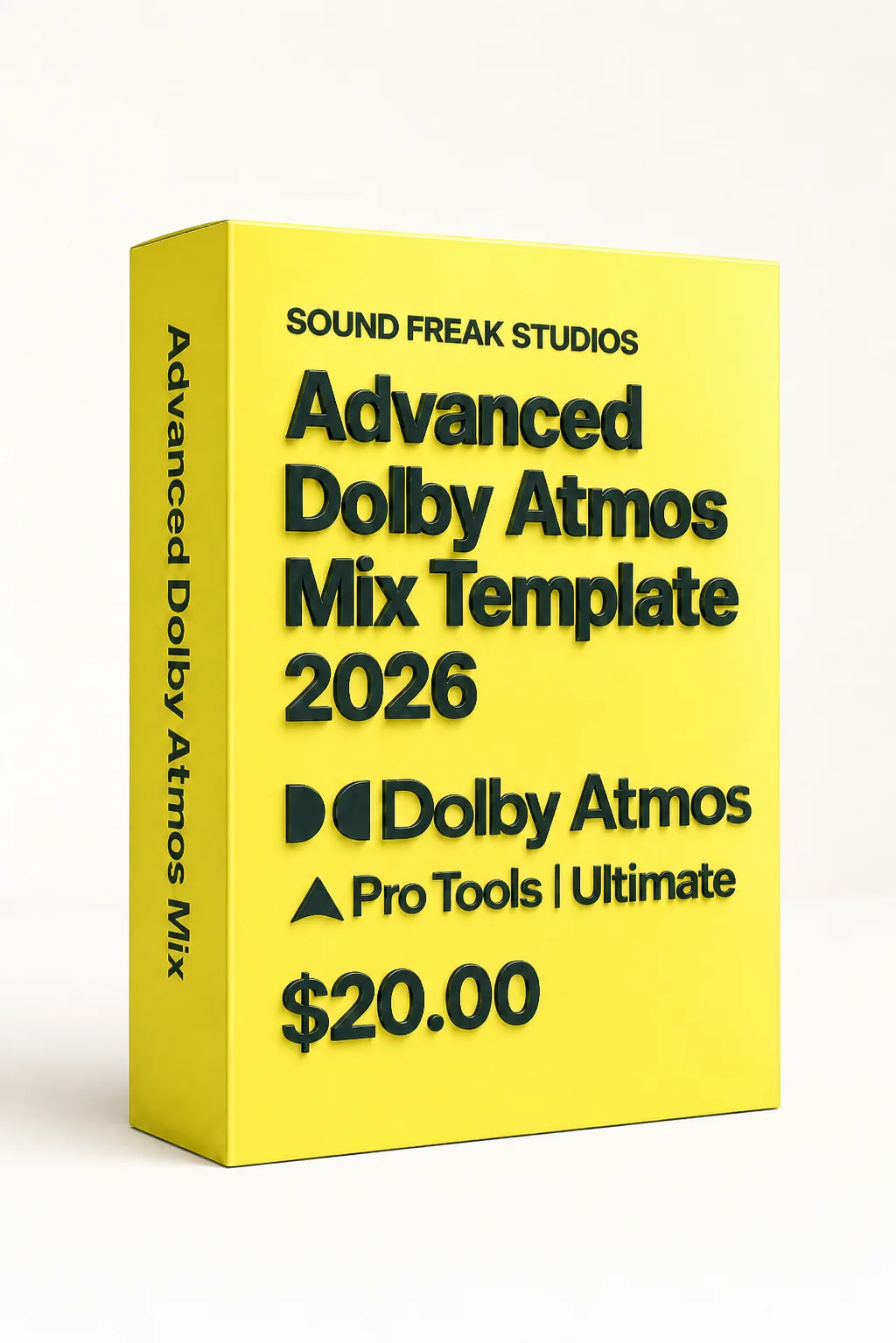
What is a Dolby Atmos mixing template for Pro Tools?
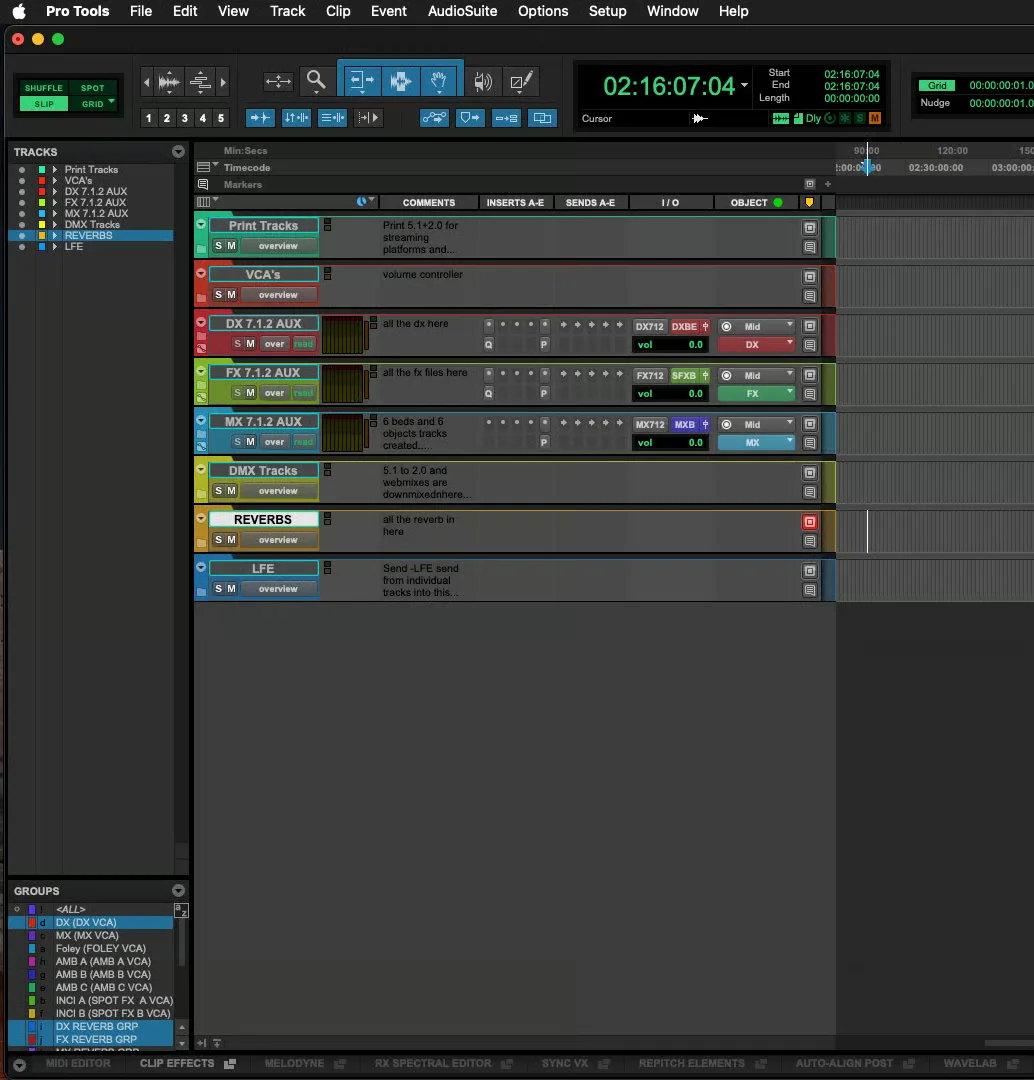
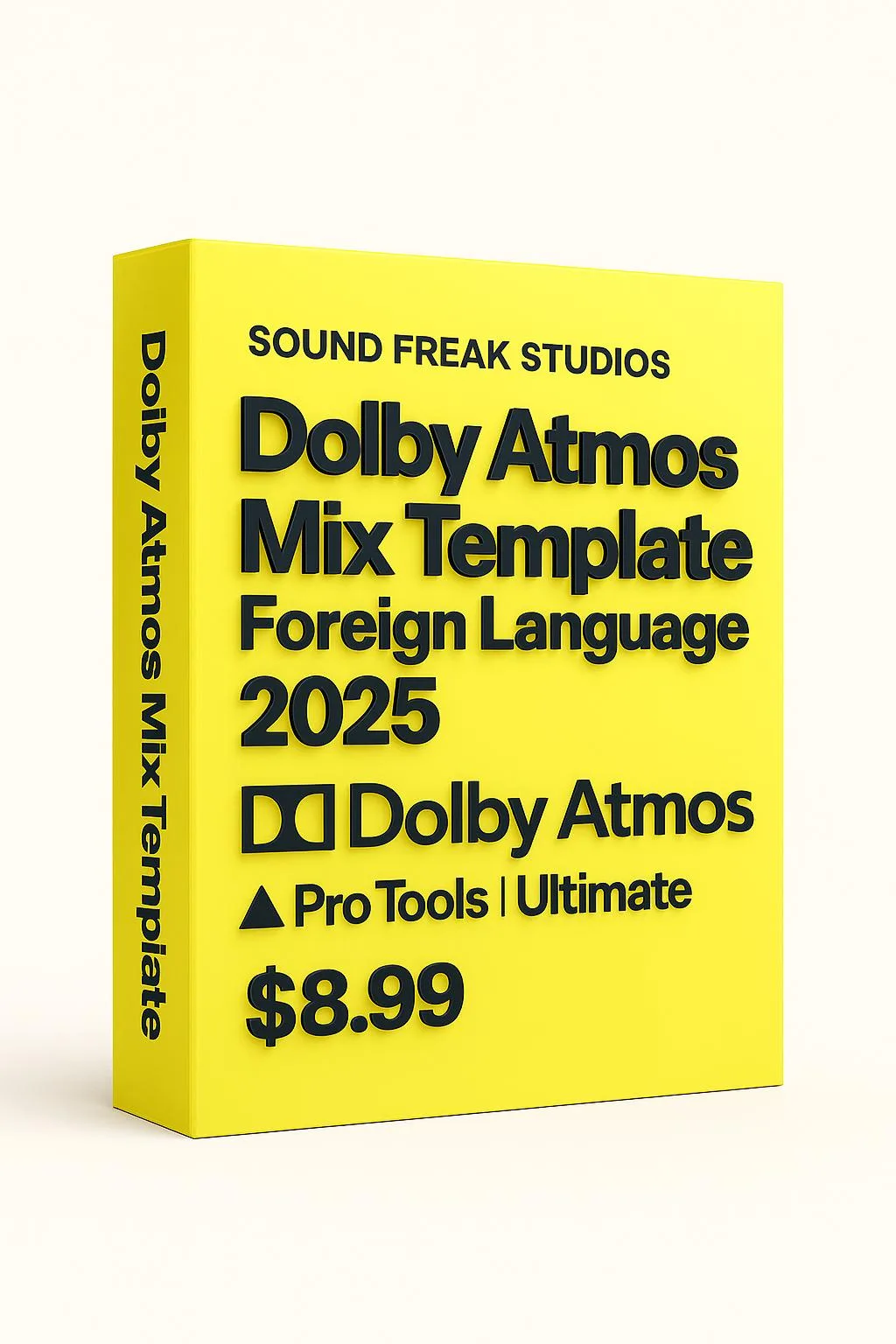
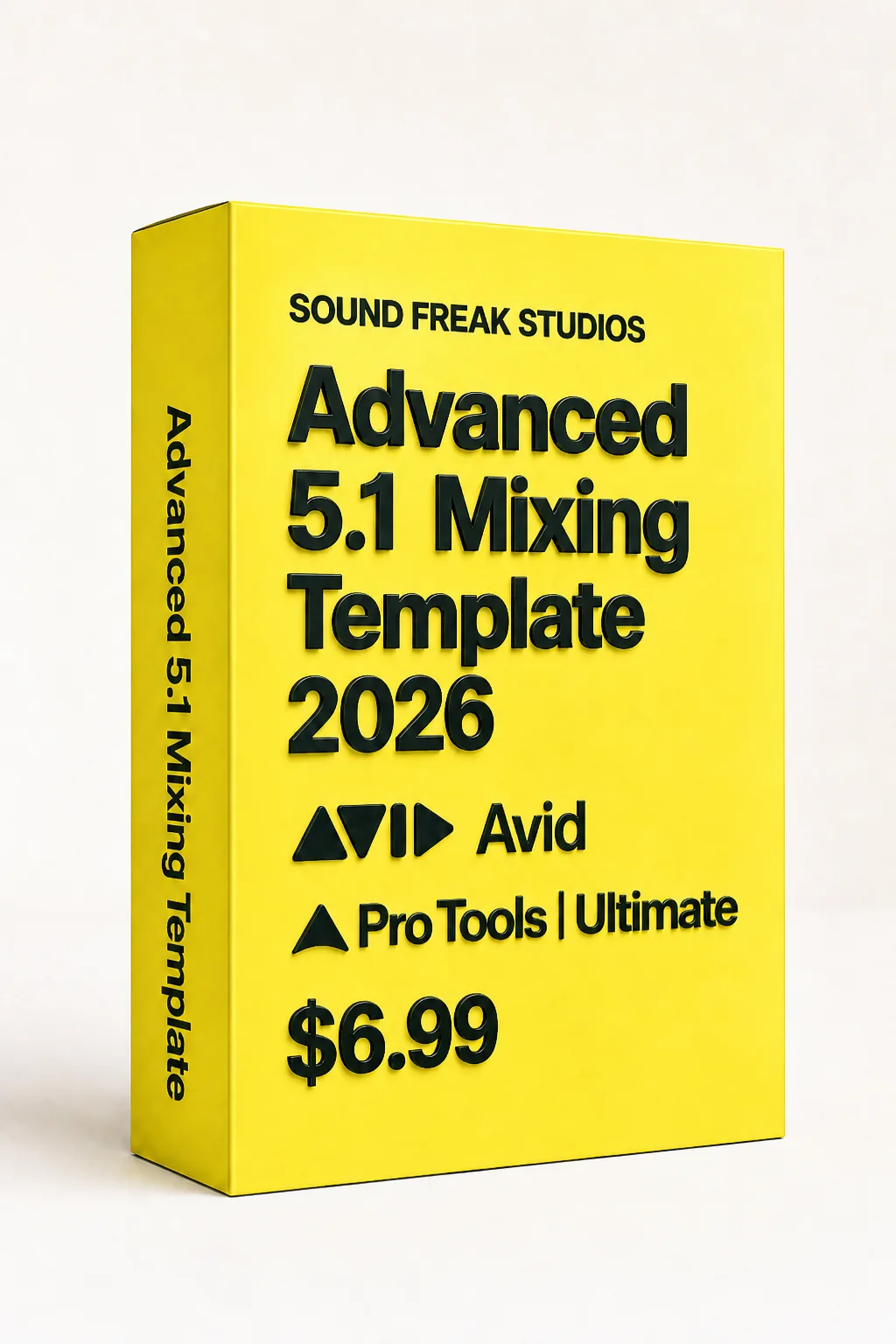
A Dolby Atmos mixing template for Pro Tools is a pre-built audio post-production session with Atmos beds, object routing, print paths, stem structure and delivery-ready organization. It helps re-recording mixers and sound designers start faster instead of building the entire Dolby Atmos routing from scratch.
Do the Dolby Atmos templates work with the internal renderer in Pro Tools?
Yes. The Dolby Atmos templates are configured for Pro Tools Ultimate’s internal Dolby Atmos Renderer workflow. No external Dolby hardware is required, but you need a compatible Pro Tools Ultimate system and the required Dolby Atmos features enabled.
Do the Atmos templates require Pro Tools Ultimate?
Yes. The Atmos templates are designed for Pro Tools Ultimate because Atmos beds, object routing, surround paths and renderer workflows require features that are not available in basic stereo-only workflows.
Do the Atmos templates support beds, objects and ADM export workflows?
Yes. The Dolby Atmos templates are designed around bed and object workflows used in Pro Tools Ultimate. They help organize the session for Atmos mixing and ADM export, but the final object assignments, monitoring, loudness checks and export settings must still be handled by the mixer.
Is this template useful for Dolby Atmos web series mixing?
Yes. The Atmos templates are useful for web series, OTT films, short films and independent productions that need a structured immersive audio workflow with dialogue, music, effects, objects, stems and print paths.
Are the Dolby Atmos templates suitable for OTT delivery to Netflix, Amazon or Apple TV+?
The templates are designed around common OTT audio post workflows, including organized stems, print masters, downmix paths and loudness-check routing. Final platform compliance must always be checked against the latest delivery specification from the distributor or streaming platform.
Do the templates create a final ADM or master file automatically?
No. The templates provide the routing, track layout, bed/object organization and print structure. You still need to monitor the mix, assign beds and objects correctly, check loudness, verify downmixes and export the final master according to the delivery requirements.
Do the templates guarantee Netflix or OTT platform approval?
No. The templates help organize professional routing and delivery workflow, but platform approval depends on the final mix, loudness, source quality, QC, metadata and the latest delivery requirements from the distributor or platform.
What is a 5.1 mixing template for film audio post-production?
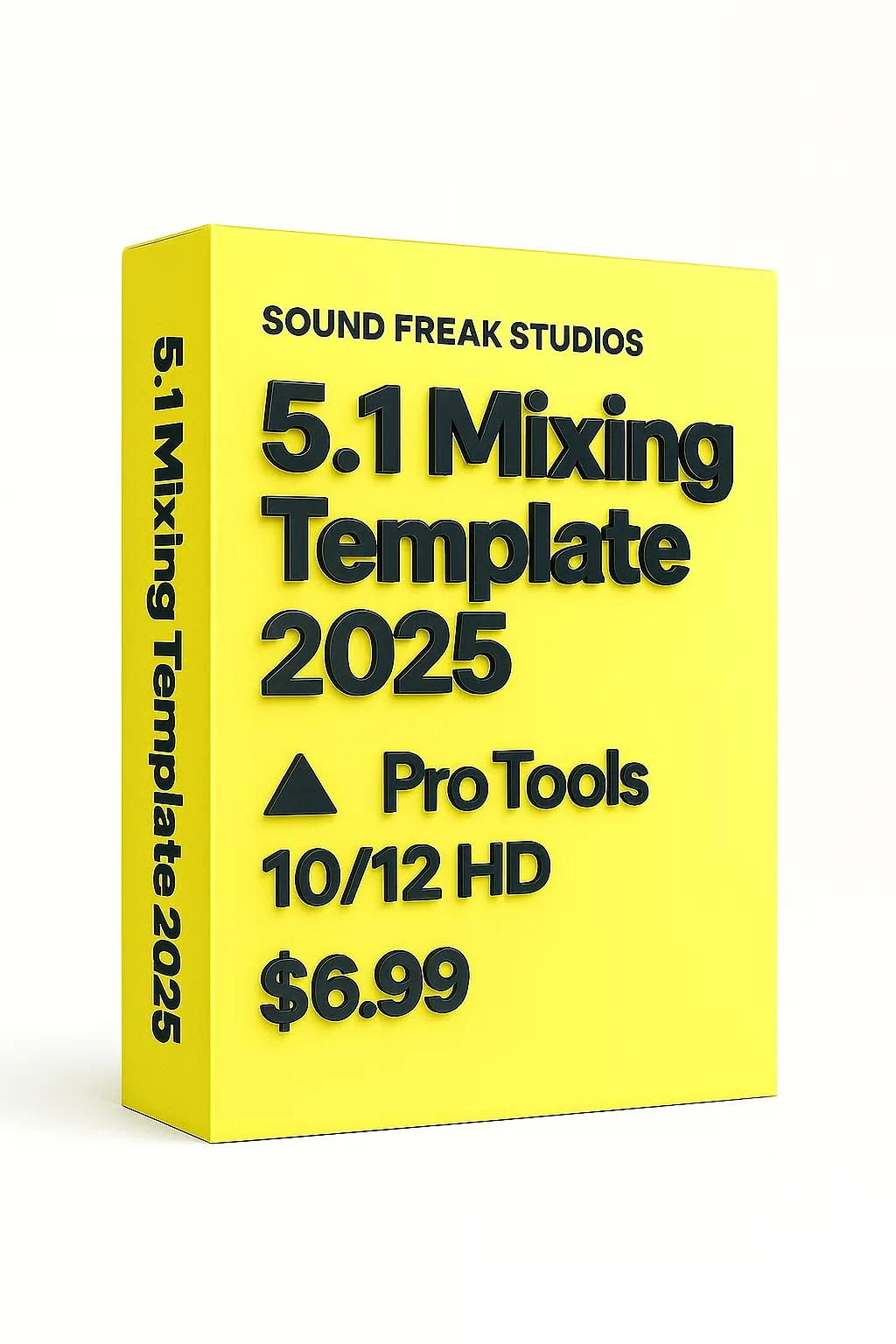
A 5.1 mixing template is a pre-routed surround session for film and OTT audio post-production. It usually includes dialogue, music, effects, Foley, ADR, M&E, LFE, stem and print master routing so the mixer can focus on the creative mix.
Can I use the 5.1 mixing templates if I don’t have surround monitoring?
You can open and study the templates without surround monitoring, but accurate 5.1 mixing requires a proper surround monitoring setup. Without 5.1 playback, you cannot reliably judge surround panning, LFE level, rear-channel balance or downmix behaviour.
Do the 5.1 templates include LFE routing and stereo downmix checking?
Relevant 5.1 templates include surround-oriented routing, LFE-friendly structure and downmix or compatibility-check paths where applicable. Final LFE decisions and stereo fold-down approval should always be checked by the mixer in the actual project.
Do Pro Tools templates work in Pro Tools Studio?
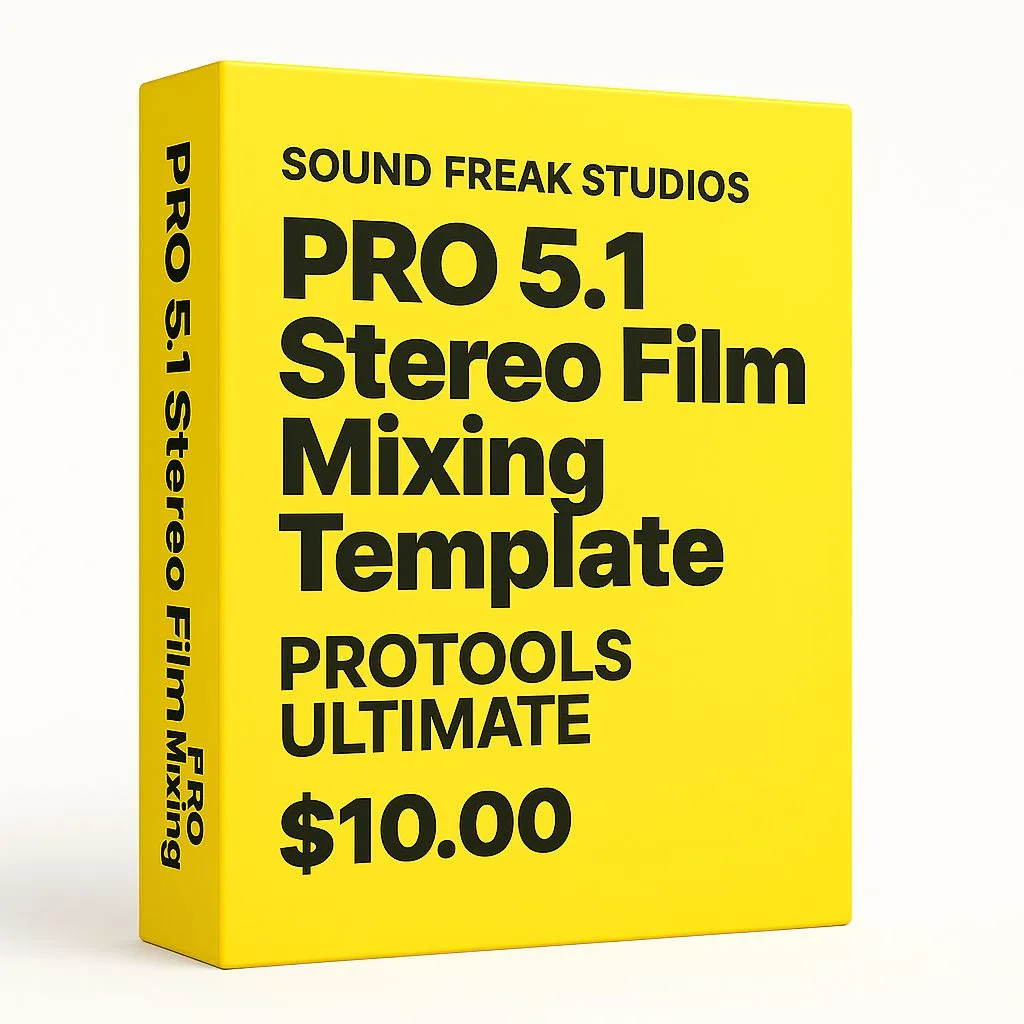
Stereo templates such as the PRO Stereo Film Mixing Template are designed to work in Pro Tools Studio. Surround and Atmos templates may require Pro Tools Ultimate because of surround, immersive routing and advanced post-production feature requirements. Always check the individual product page before purchase.
Can I import an AAF into these Pro Tools or Nuendo templates?
Yes. These templates are designed to fit professional AAF-based audio post workflows. You can import your edit, organize dialogue, effects and music into the template structure, then route the material into the prepared buses and stems.
Where can I buy Pro Tools mixing templates for film and OTT?
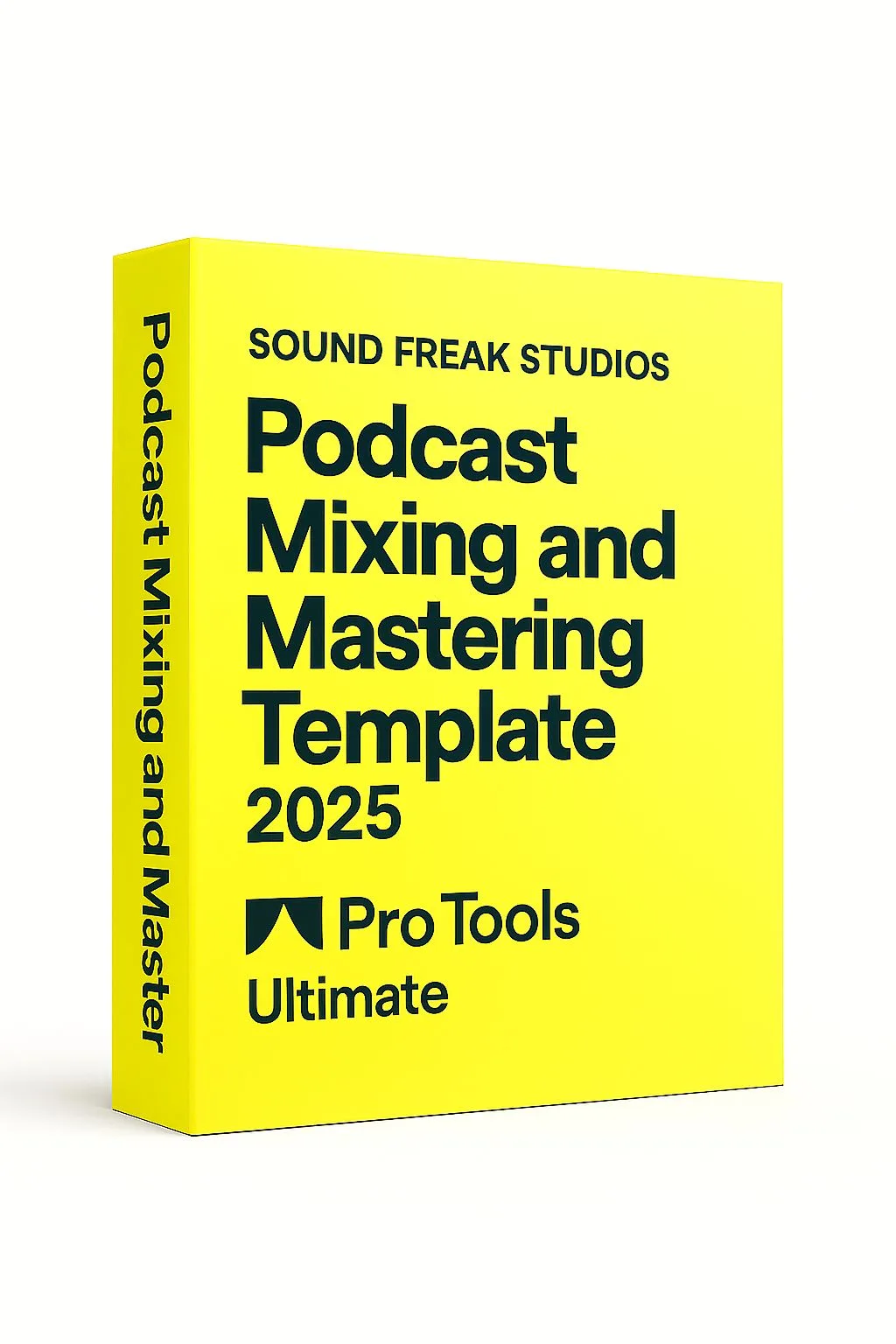
You can buy Pro Tools mixing templates for film, OTT, Dolby Atmos, 5.1, stereo, podcast and audiobook workflows directly from SoundFreakStudios, with instant digital delivery through Payhip.
Where can I download Dolby Atmos and 5.1 templates instantly?
SoundFreakStudios offers instant downloads for Dolby Atmos templates, 5.1 templates, Pro Tools templates, Nuendo templates, Fairlight templates, reverb presets, EQ presets and audio post ebooks through secure Payhip checkout.
Do the templates include DX, FX and MX stem routing?
Yes. The film and OTT templates are organized around professional audio post stems such as dialogue, music, effects, Foley, ADR, M&E and print masters, depending on the specific product.
Do the templates include DX, FX, MX, Foley, ADR and M&E routing?
Film and OTT templates are organized around common audio post stems such as DX, FX, MX, Foley, ADR and M&E-friendly paths. Exact track and bus layouts vary by product, so check the individual product page before purchase.
Can I create M&E deliverables from these templates?
Many templates include M&E-friendly routing and stem organization, but you still need to prepare the actual M&E content correctly. Missing production effects, language-specific elements and narration decisions must be handled by the mixer or sound editorial team.
Do the templates help prepare stems for OTT delivery?
Yes. The templates are designed around common OTT and film stem workflows, including dialogue, music, effects, print master and M&E-friendly organization. Final delivery specs must still be checked against the current platform requirements.
Can I use these templates for foreign language dubbing workflows?
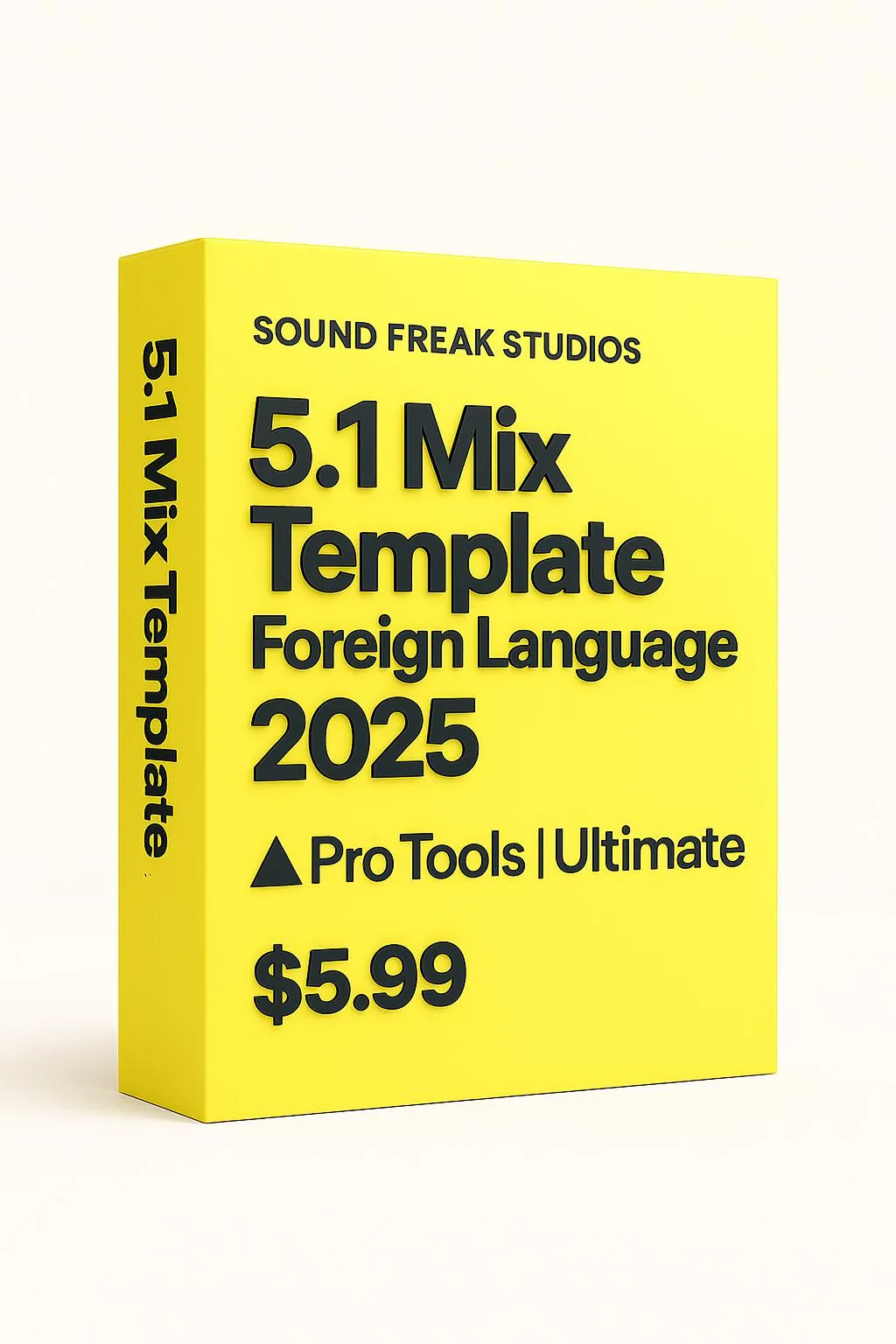
Yes. Several templates are useful for dubbed versions and foreign language workflows because they support organized dialogue replacement, M&E preparation, stems, print paths and alternate-version routing.
Which version of ReVibe II and FabFilter do I need for the presets?
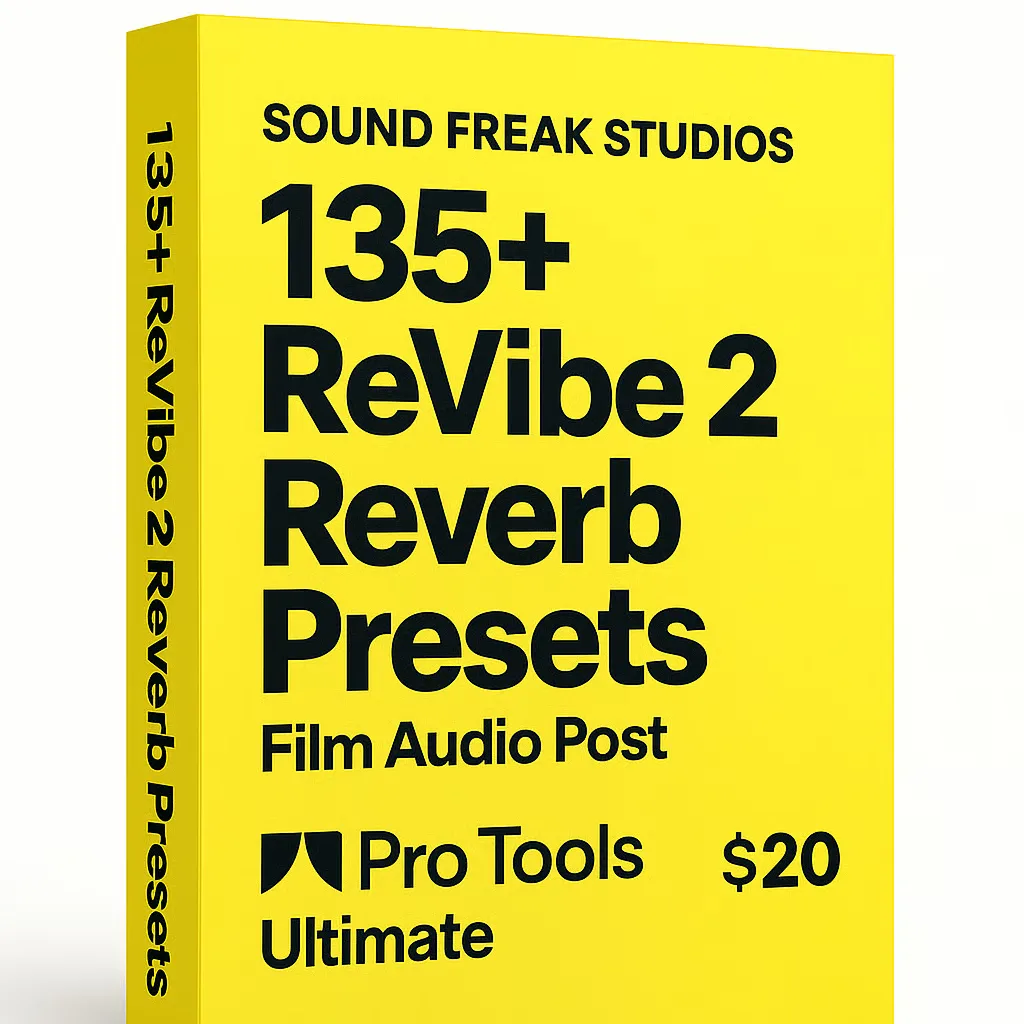
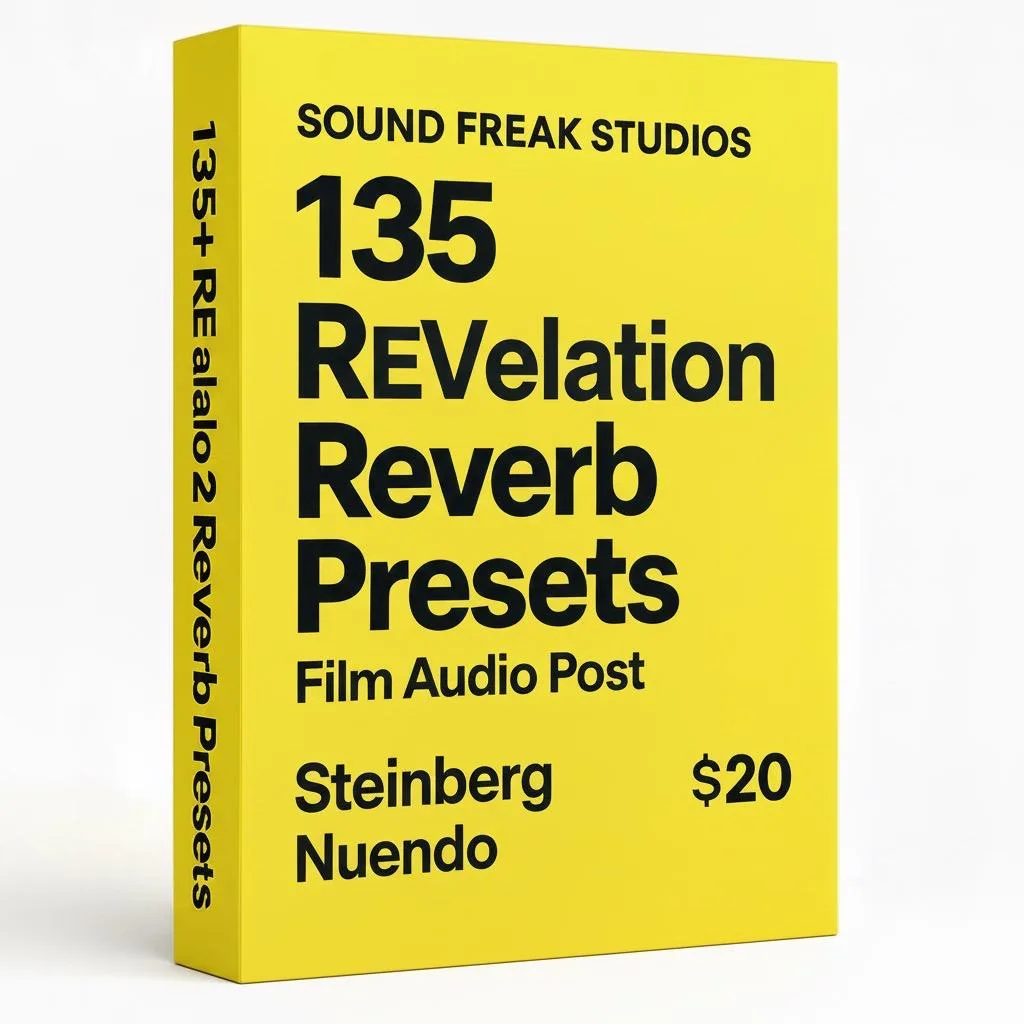
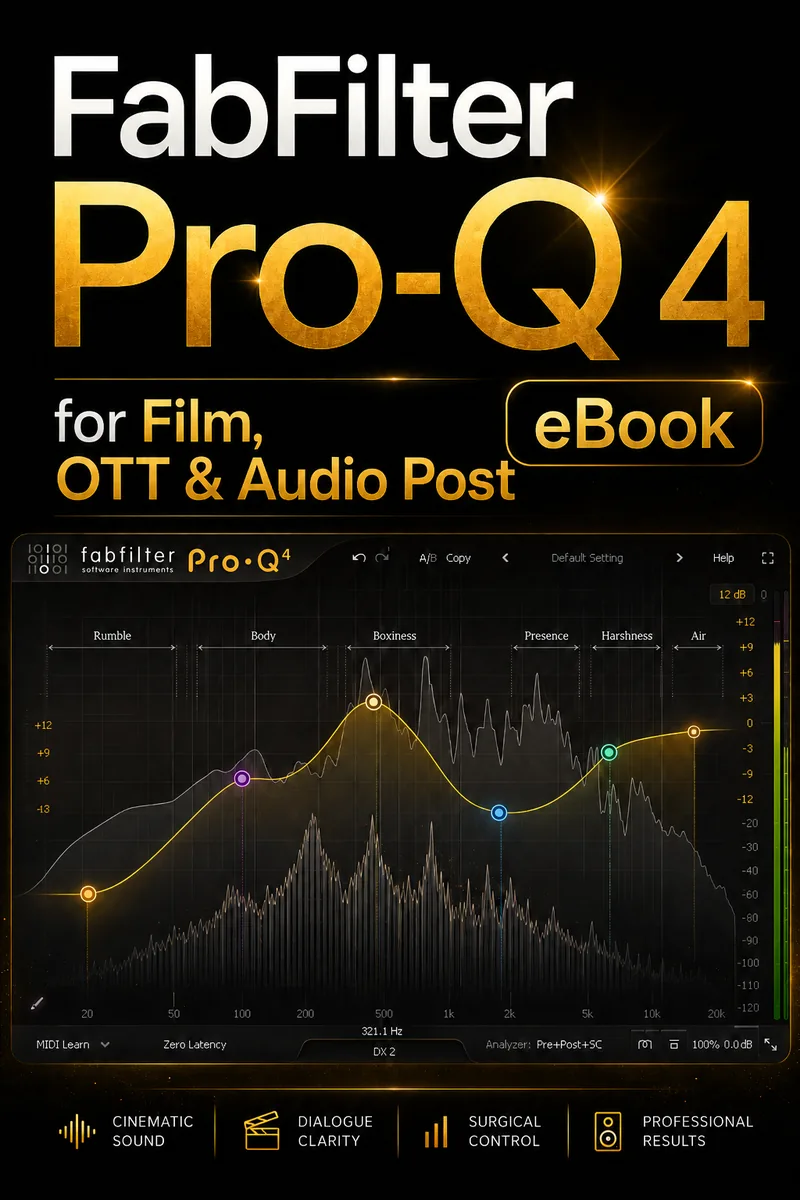
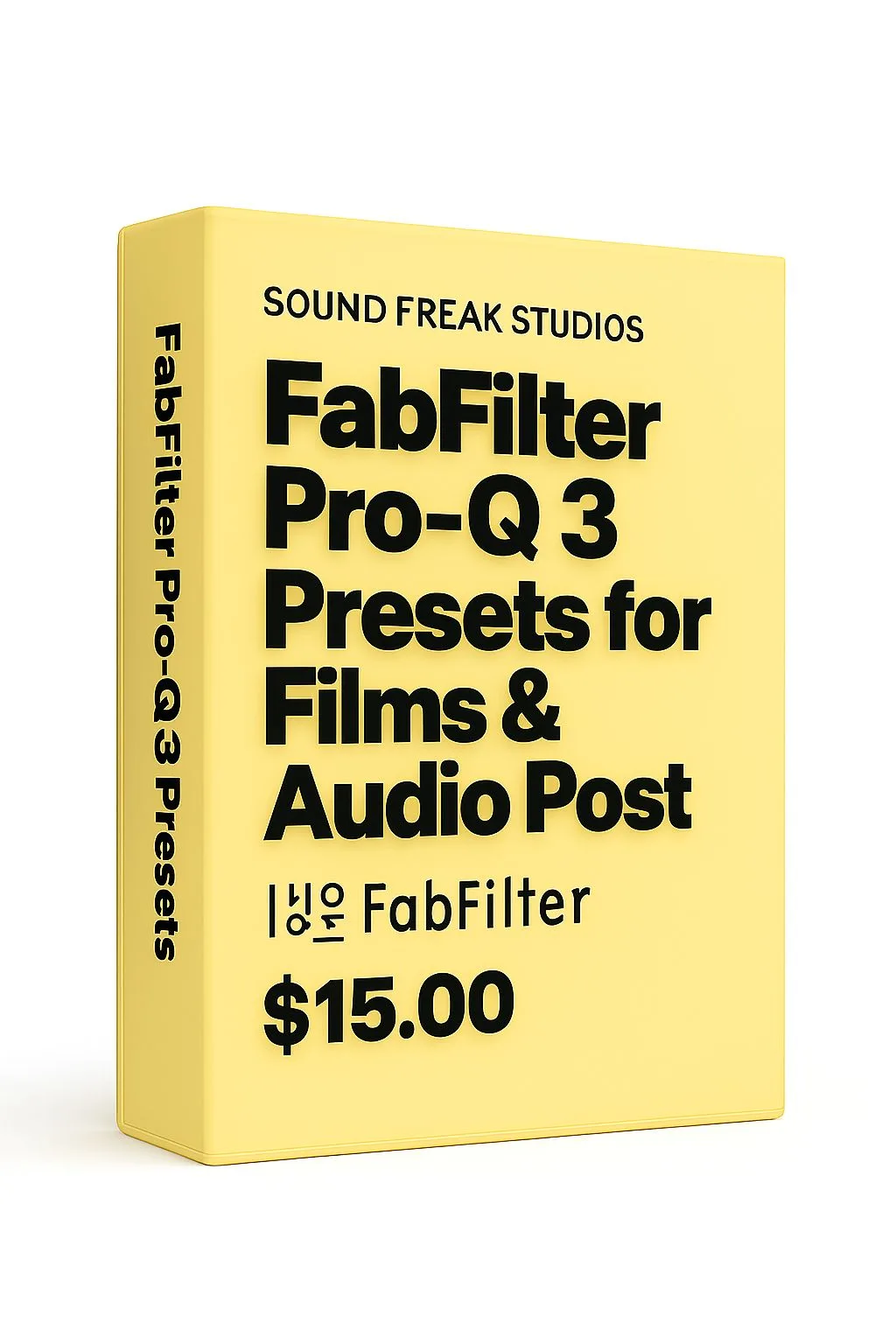
ReVibe II presets require Avid ReVibe II. REVelation presets require Steinberg REVelation. FabFilter Pro-Q 3 presets require FabFilter Pro-Q 3, and Pro-Q 4 presets require FabFilter Pro-Q 4. Check the individual preset pack page for exact requirements.
What is the difference between ReVibe II presets and REVelation presets?
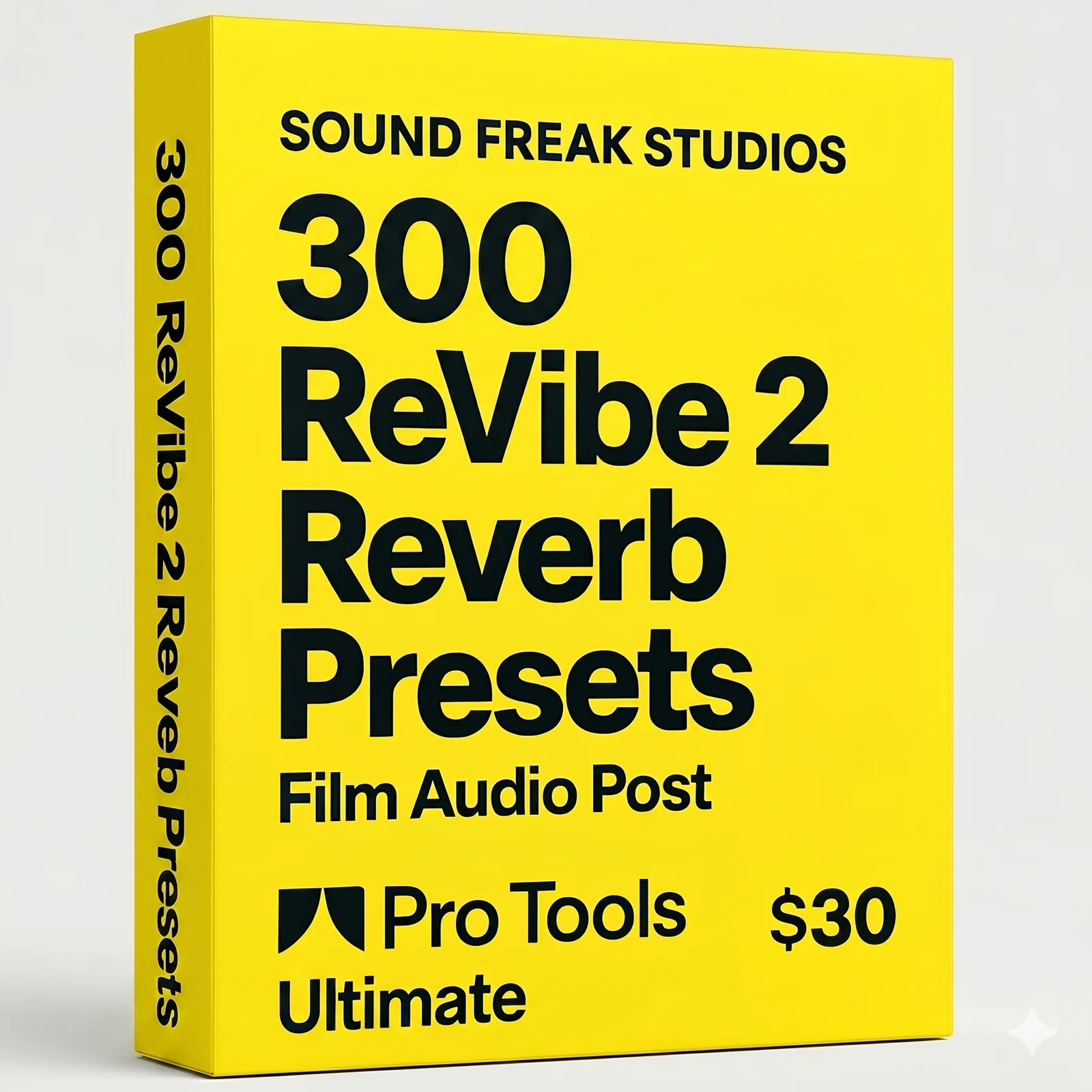
ReVibe II presets are built for Avid ReVibe II, mainly for Pro Tools-based workflows. REVelation presets are built for Steinberg REVelation, mainly for Nuendo users. They are separate preset formats for different reverbs.
What are ReVibe II presets for audio post-production?
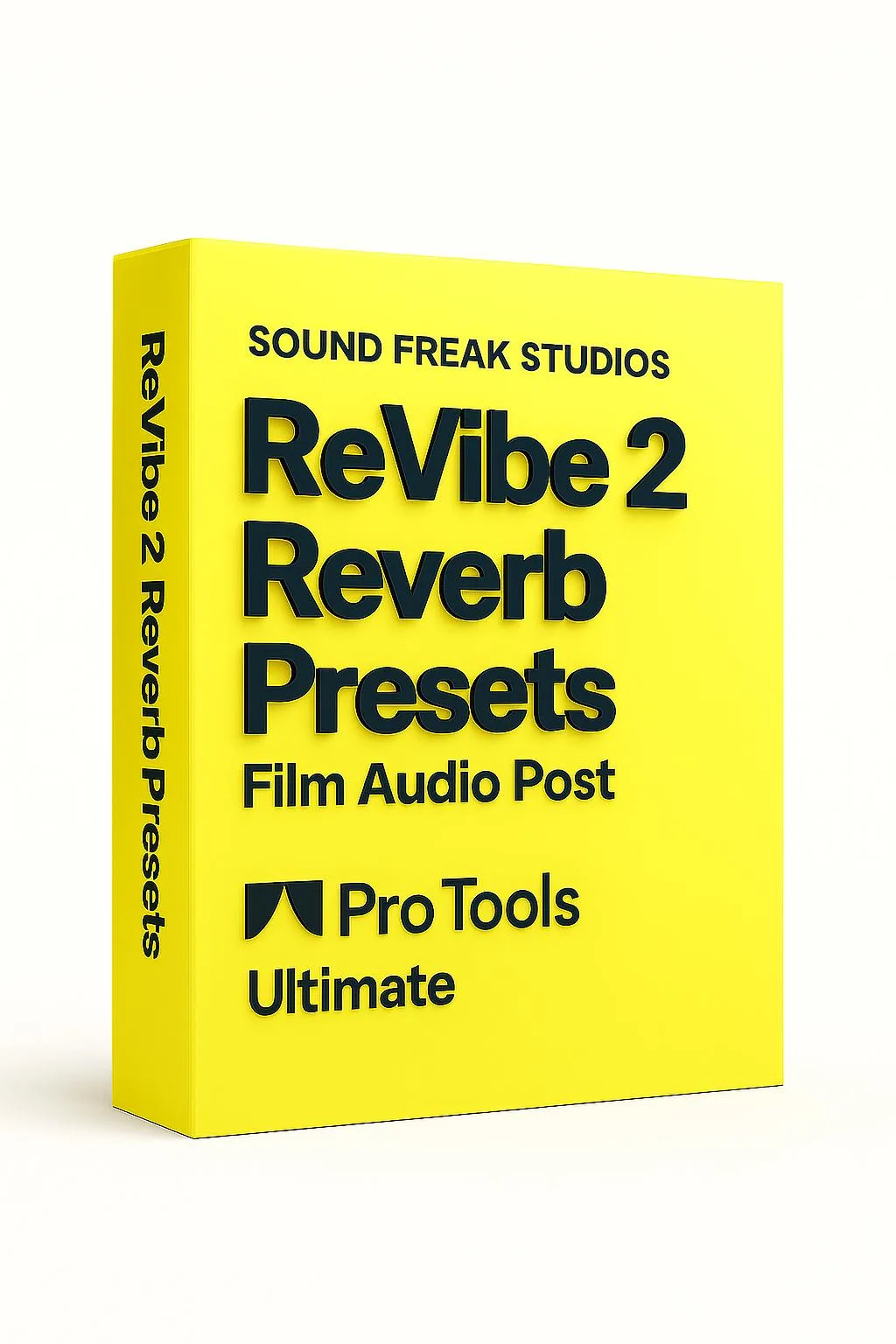
ReVibe II presets are custom reverb starting points for Avid ReVibe II, built for audio post-production tasks such as dialogue spaces, ADR matching, Foley rooms, interiors, exteriors, cinematic environments and stylized sound design.
Can ReVibe II presets help with ADR matching and dialogue spaces?
Yes. ReVibe II presets can help you quickly audition dialogue spaces for ADR matching, room tone, interiors, corridors, halls, exteriors and other film audio post situations. Final adjustment is still required for each scene.
Are ReVibe II presets usable without Avid ReVibe II?
No. You need the actual Avid ReVibe II plugin to load and use ReVibe II presets. The preset files do not include the plugin itself.
Can I use the FabFilter Pro-Q 3 presets in Pro-Q 4?
FabFilter Pro-Q 3 and Pro-Q 4 use different preset formats and feature sets. For best compatibility, use the dedicated preset pack made for your exact Pro-Q version.
What are FabFilter Pro-Q presets for film mixing?
FabFilter Pro-Q presets are EQ starting points for film, OTT and audio post workflows. They can help with dialogue cleanup, ambience shaping, SFX control, music carving and mix translation, but they should be adjusted to the source material.
Can Pro-Q presets help clean dialogue, ambience and sound effects?
Yes. Pro-Q presets can speed up common EQ decisions for dialogue, ambience and sound effects. They are not magic fixes; they are practical starting points that still need careful listening and project-specific adjustment.
Are the Pro-Q presets for dialogue editing or final mixing?
They are starting points for dialogue cleanup, ambience control, SFX shaping, music carving and mix preparation. Every source recording and scene still needs final adjustment by ear.
Do presets guarantee a perfect sound instantly?
No. Presets are starting points, not magic fixes. They help speed up decisions, but source quality, scene context, performance, microphone choice and delivery target always matter.
Does the REVelation reverb preset pack work with Nuendo 13 and above?
Yes. The REVelation preset pack is designed for Steinberg Nuendo systems that include the REVelation reverb. It is intended for Nuendo 13 and above, including newer Nuendo versions where REVelation is available.
How are products delivered after purchase?
All products are delivered as instant downloads through Payhip. You receive an email with your download link after payment, and files remain available from your Payhip account.
Is this a one-time purchase?
Yes. Products are sold as one-time digital downloads unless a product page clearly states otherwise.
Can I use the templates on commercial projects?
Yes. You can use the templates and presets in your own commercial film, OTT, podcast, audiobook, YouTube, broadcast or studio projects.
Can I resell or share the templates?
No. The files are licensed for the buyer’s own use. They cannot be redistributed, resold, uploaded publicly, shared with other users or included in another commercial product.
Do you offer refunds on digital products?
Because these are instant digital downloads, refunds are generally not available once files are accessed or downloaded, except where legally required. Please read the product description and compatibility notes before purchasing.
What should I do if a download link does not arrive?
Check your spam, promotions or Payhip account first. If you still cannot find the download, contact support with your purchase email and order details.
Are the ebooks suitable for beginners or professionals?
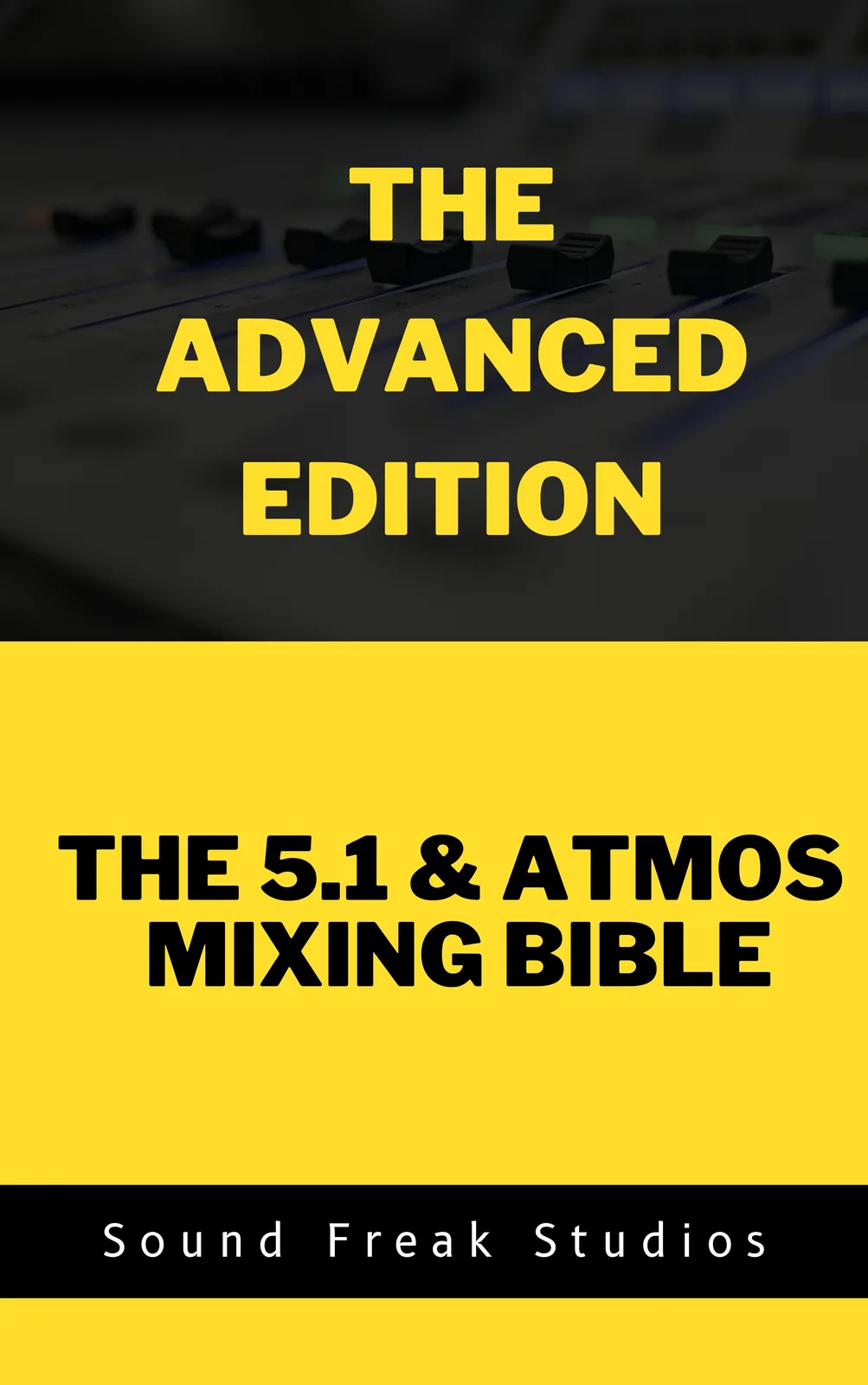
The 5.1 & Atmos Mixing Bible is suitable for serious beginners and working professionals. The Advanced Edition is written for engineers who already understand 5.1 and Atmos fundamentals and want deeper professional workflows.
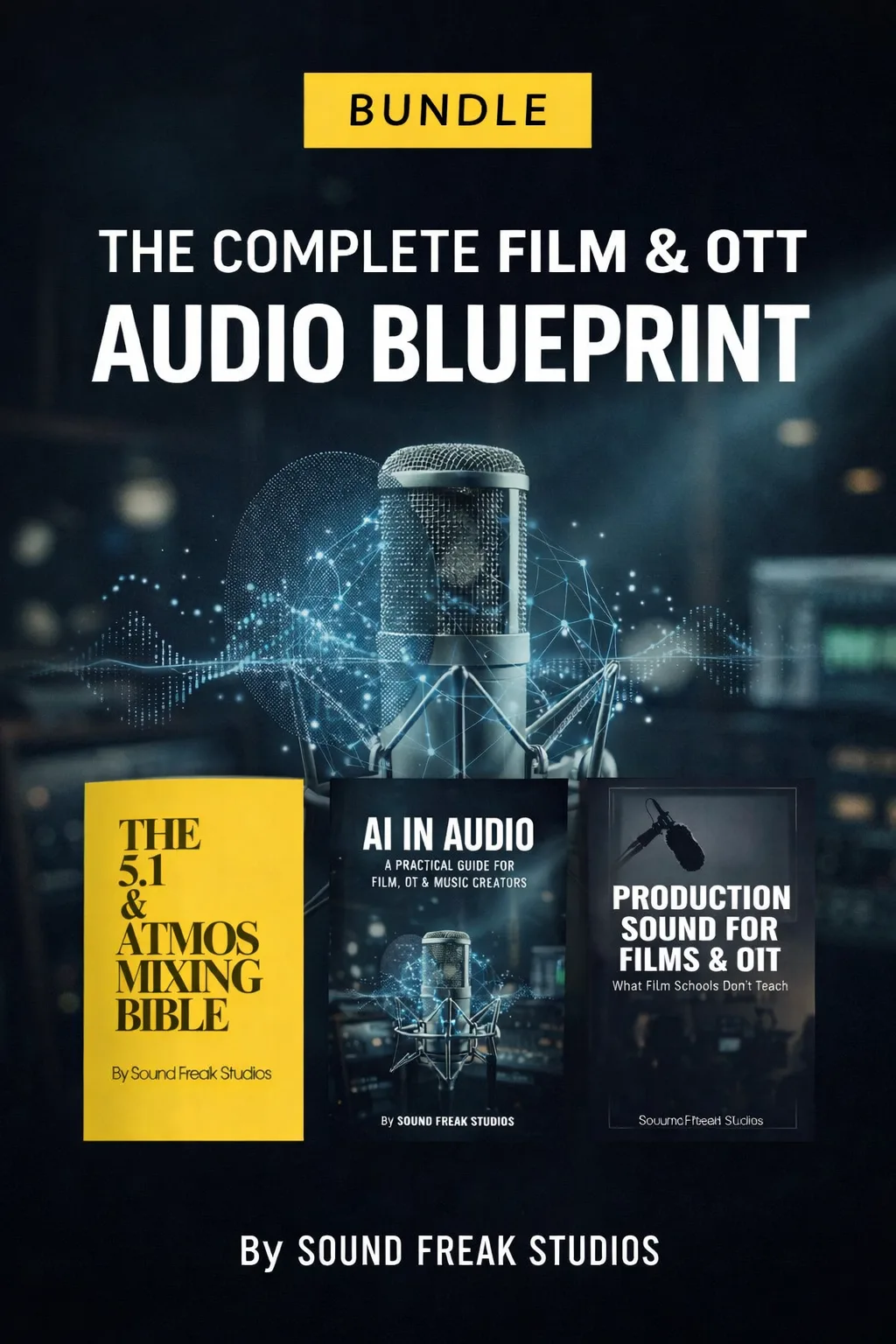
Is the ebook bundle a better deal than buying books individually?
Yes. The ebook bundle gives you multiple film and OTT audio post guides together at a lower total price than buying each book separately, depending on the current offer shown on the website.

About SoundFreakStudios

SoundFreakStudios creates professional-grade mixing templates, reverb presets and EQ presets for film, OTT, broadcast and podcast audio post-production. Every product is built from real studio experience in Dolby Atmos and 5.1 surround mixing — not from textbooks.

Our templates are used by re-recording mixers, sound designers, dialogue editors and post-production engineers working on films, web series, OTT content, and broadcast programmes worldwide.