Import the edit
Open an AAF, OMF 2, EDL or guide WAV. If the turnover has offline audio, attach a dialogue print from the same cut at its starting timecode.
Home / Plugins & utilities / DXSource
Standalone dialogue editor for MacFind the boom and lavs behind the picture edit. Match the editor’s guide to the original recordings and send editable microphone tracks to Pro Tools.
One-time license for two Macs. Buy on Gumroad.
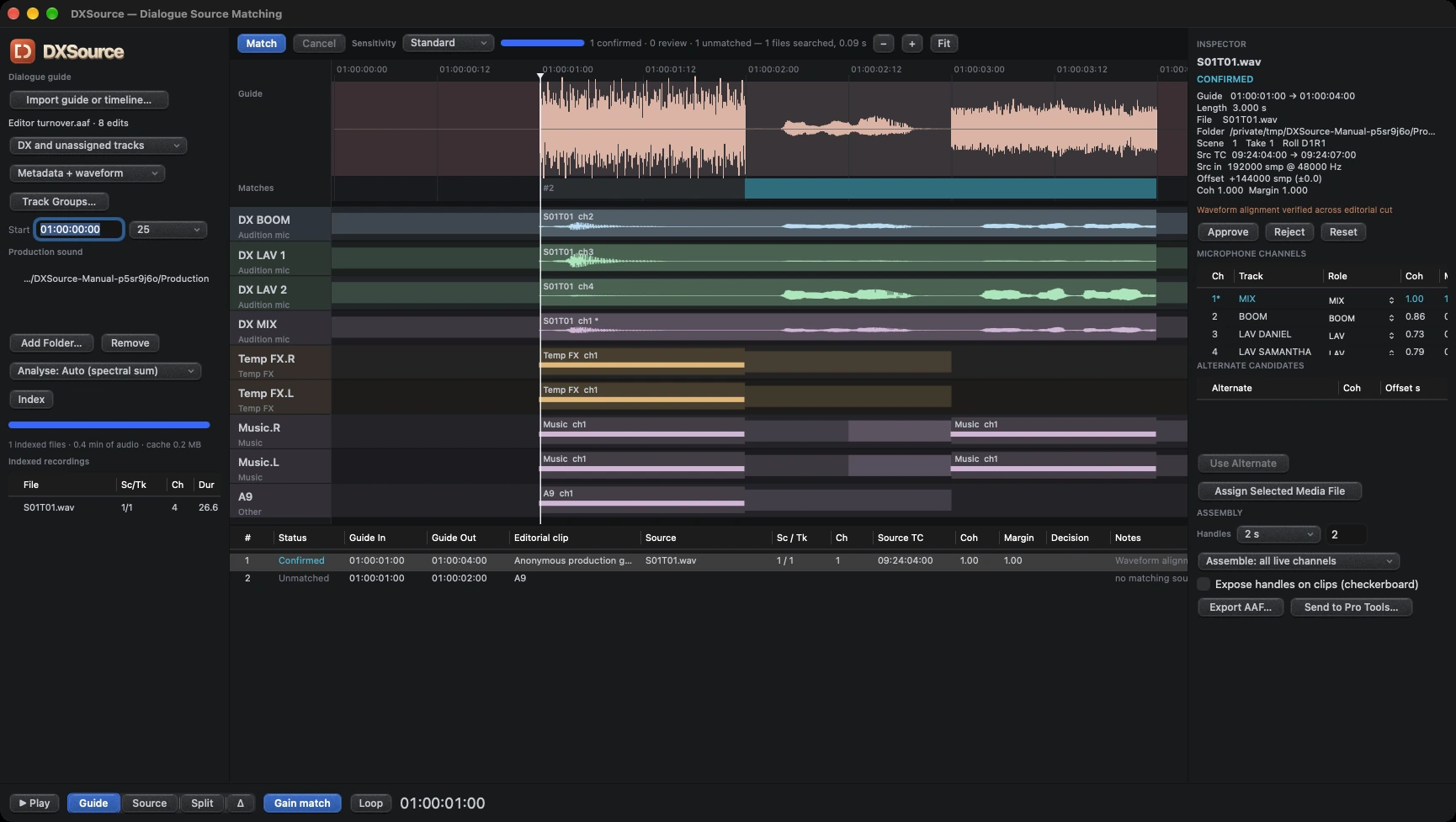
Open an AAF, OMF 2, EDL or guide WAV. If the turnover has offline audio, attach a dialogue print from the same cut at its starting timecode.
Add the production sound folder. Search by metadata, waveform, or both. Switch between Guide and Source to check the words and timing. Audition alternate takes when a line needs review.
Choose microphones and clip handles. Send editable clips to an open Pro Tools session or hand off an embedded AAF with timestamped BWF clips and a match report.
Keep dialogue at the top and group temp effects and music below. Direct send places matching left and right FX or music edits on stereo tracks. File-based AAF delivery preserves the split-mono channels.
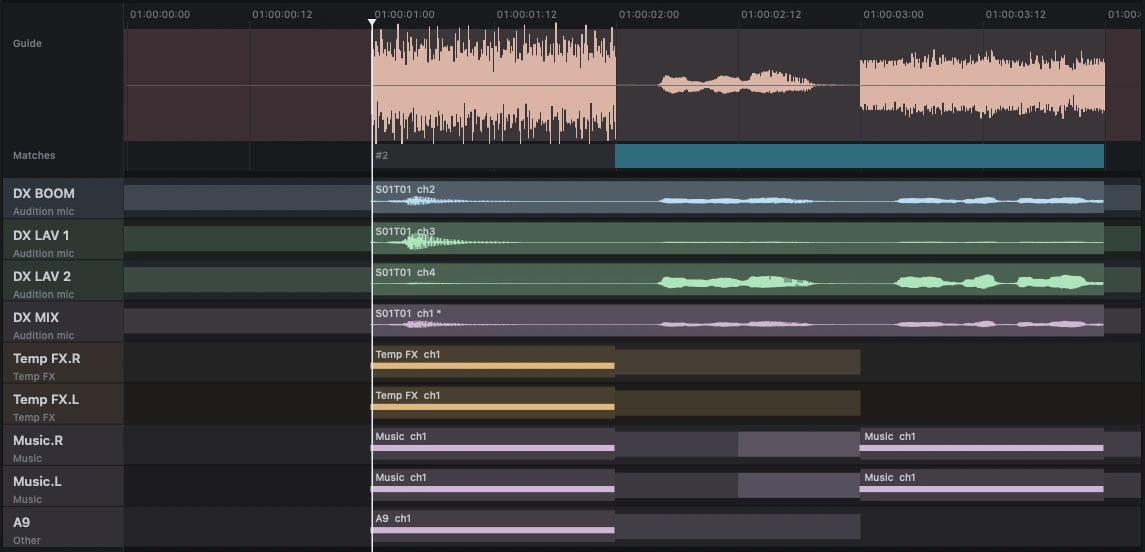
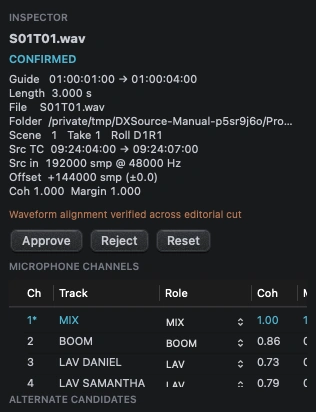
Follow a first AAF from import to Pro Tools. All 25 pages are included with the installer. Page 3 covers compatibility, page 6 walks through a first session, and page 25 explains offline clips.
Read the manual (PDF)Download the PDFDownload the Mac installer through the free Payhip checkout. Open DXSource, connect to the internet and choose Start 14-day demo. The trial includes the full matching and export workflow.
To activate a purchase, choose Payhip or Gumroad inside DXSource and enter the purchase email and license key. Paid activation covers two Macs and up to 30 days offline between renewals.